
Site Logo
Talk to Our Experts
AI Video Intelligence · Office Security System

School Security System That Sees Trouble Before It Happens

Easycomm turns your existing camera network into a school security system that watches every hallway, gate, and quad in real time, flags what matters, and puts an alert in front of a real person in seconds - not after the bell rings on a bad afternoon.

The Problem

Why every district needs more than cameras and a guard at the door

Budgets are tight. Staff are stretched. And the threats a campus has to plan for today - intruders, fights, weapons, a crowd surge between classes - don't wait for someone to be looking at the right monitor.

Safety risks get seen too late

A shove in a stairwell. A weapon pulled from a bag. A student cornered behind the gym.

By the time footage gets reviewed, the moment that mattered is over. Most K-12 camera systems are still built for after-the-fact review, not real-time detection - which means staff find out what happened, not what's happening.

  • Fights and altercations flagged the instant motion patterns escalate
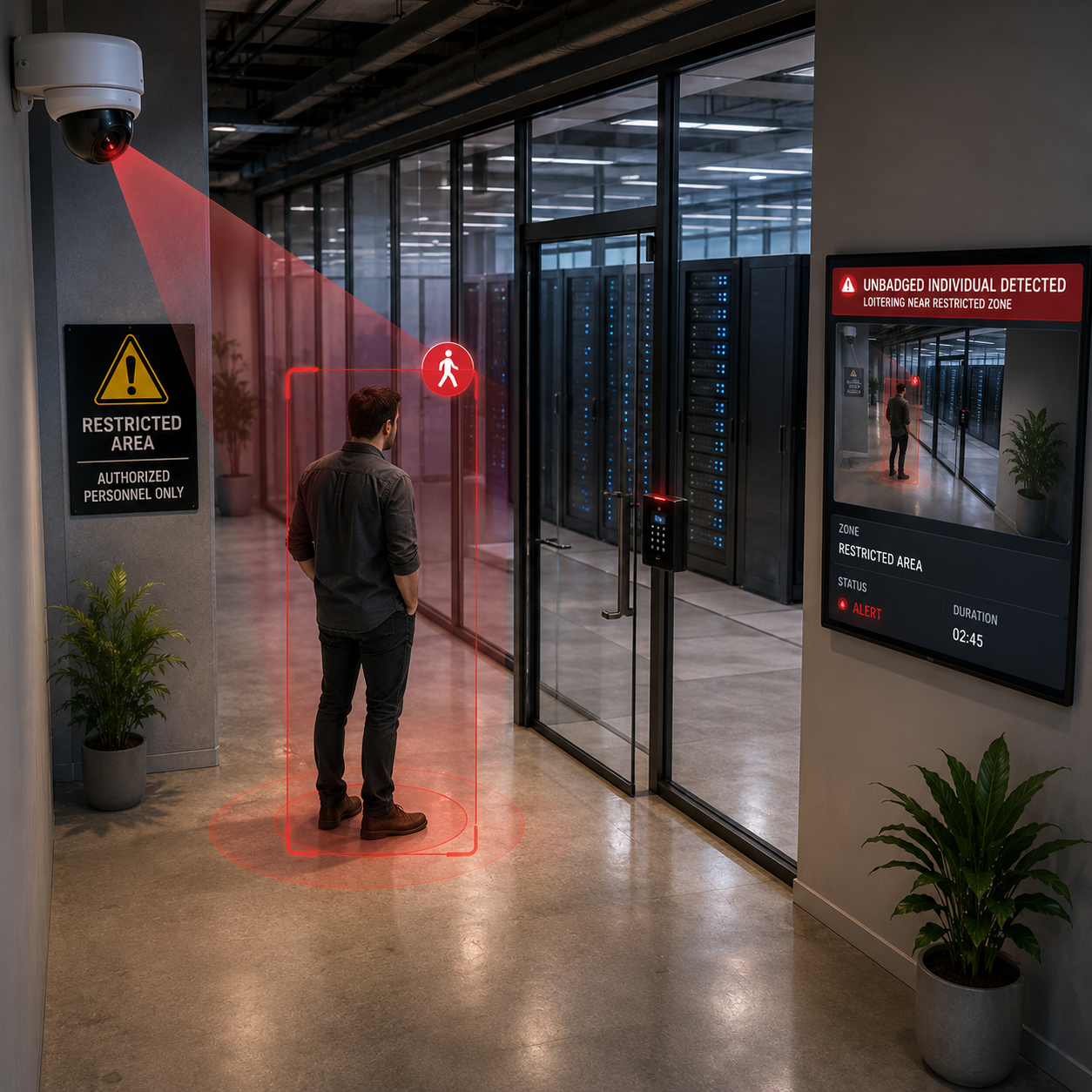
  • Restricted-area breaches caught before someone's out of sight
  • Behavior patterns - a student lingering by a fence line, a stranger circling a lot - flagged before they become a headline
Campus access control has too many gaps

A single monitored front door doesn't cover a real campus. Side doors get propped for deliveries. Portables have their own entrances. Visitors sign a paper log that nobody cross-checks.

CISA's own K-12 School Security Guide calls for a layered approach - perimeter, building, and interior - because a single checkpoint isn't a security plan. Easycomm gives you eyes on every entry point, not just the one with a badge reader.

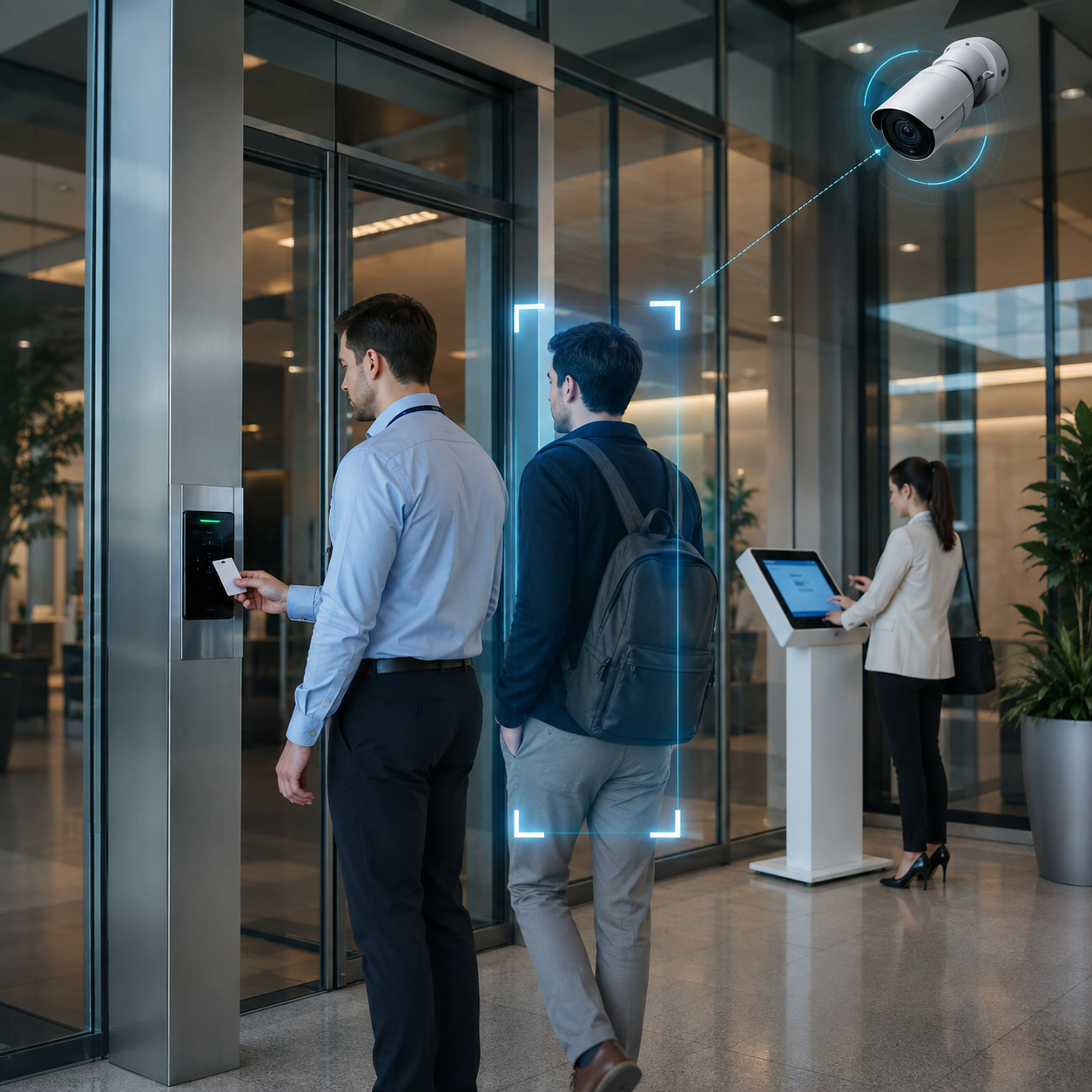
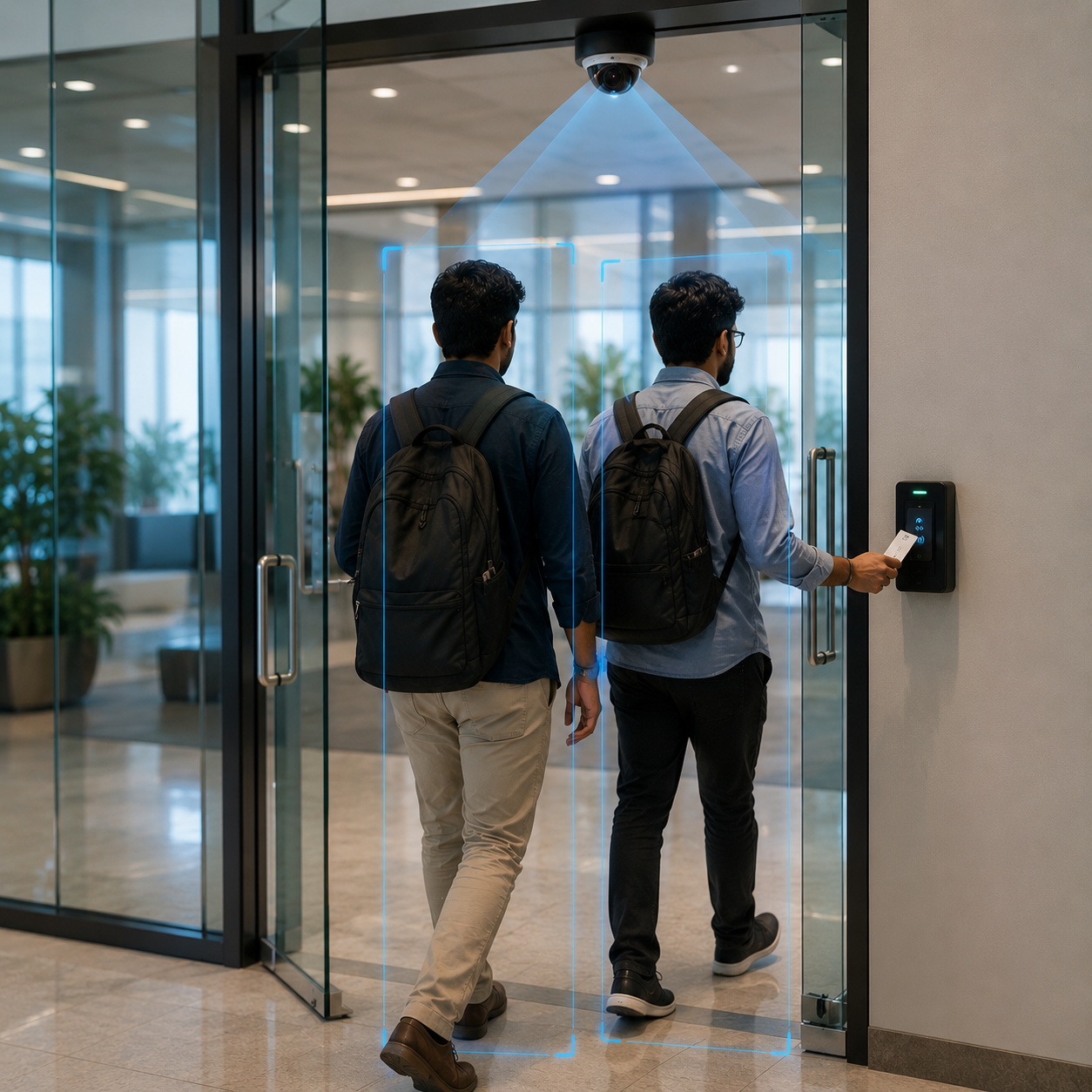
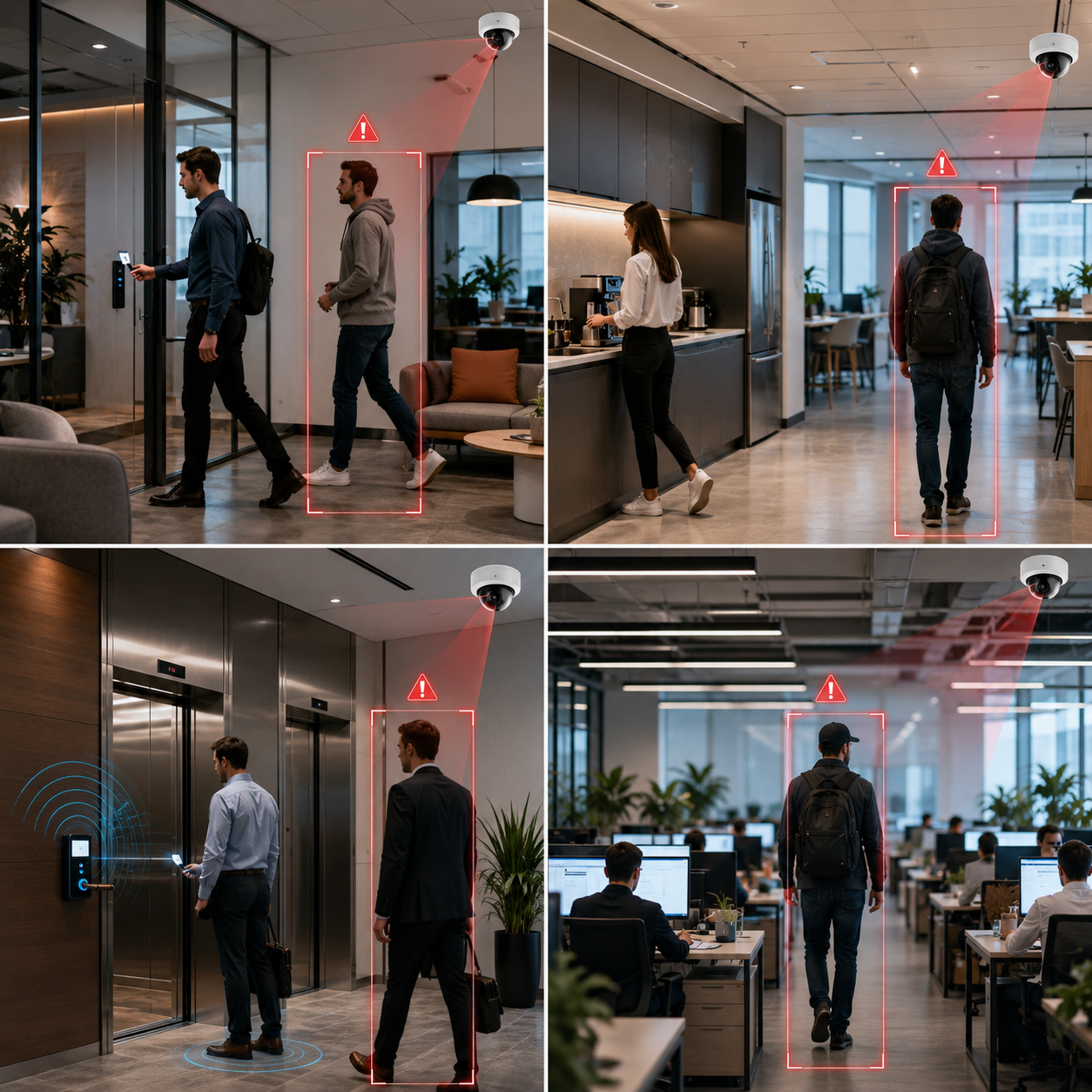
  • Unrecognized faces or tailgating flagged at every monitored entrance, not just the main lobby
  • After-hours entries at side doors, loading docks, and gyms alerted instantly
  • Vehicles in unauthorized zones - drop-off lanes, staff lots - flagged automatically

Passing periods are a crowd-safety blind spot

Six minutes, eight hundred kids, one hallway. That's the window where crowding, stampede risk, and fights are most likely - and where a single staff member physically can't be everywhere.

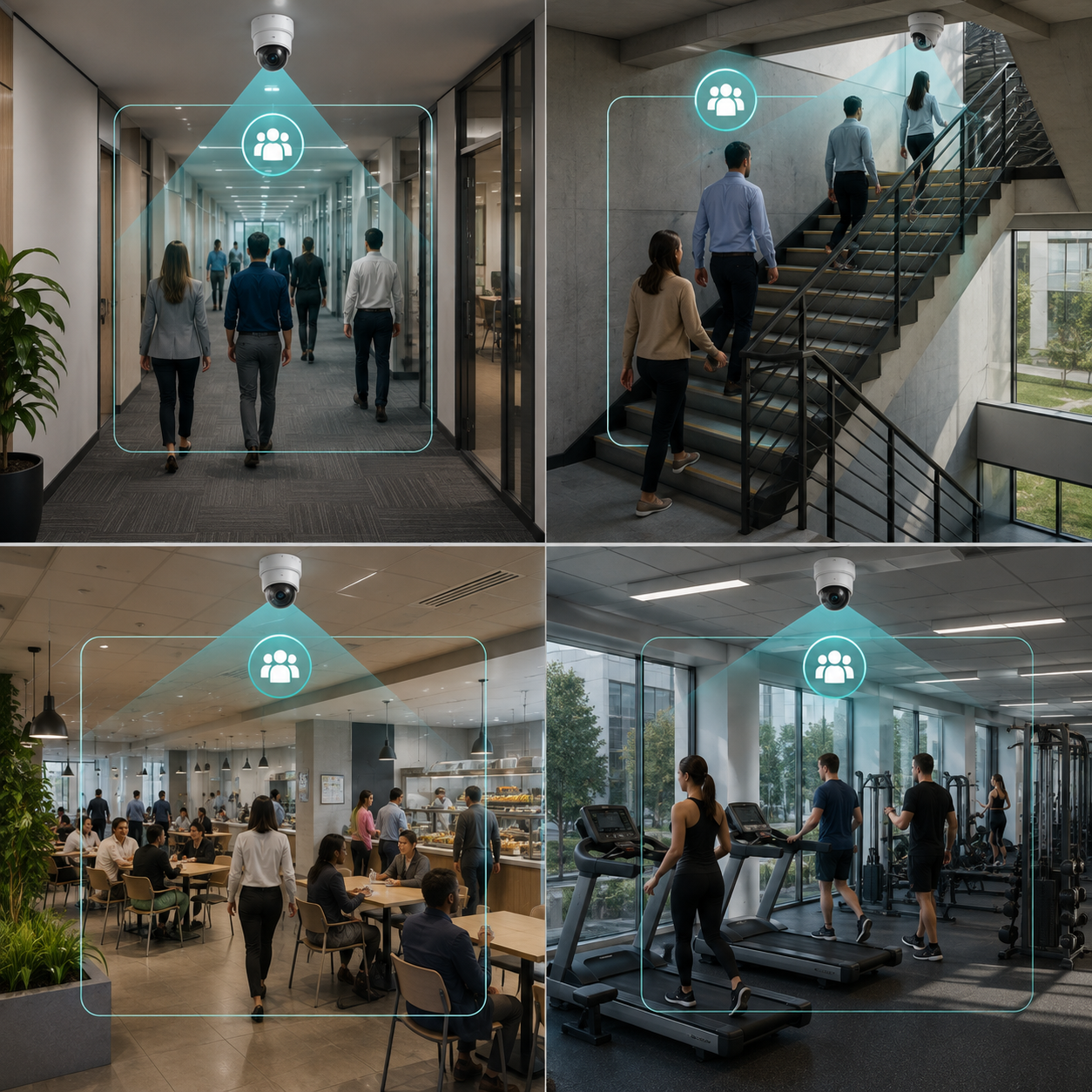
  • Real-time occupancy counts flag when a hallway, stairwell, or cafeteria tips into dangerous density
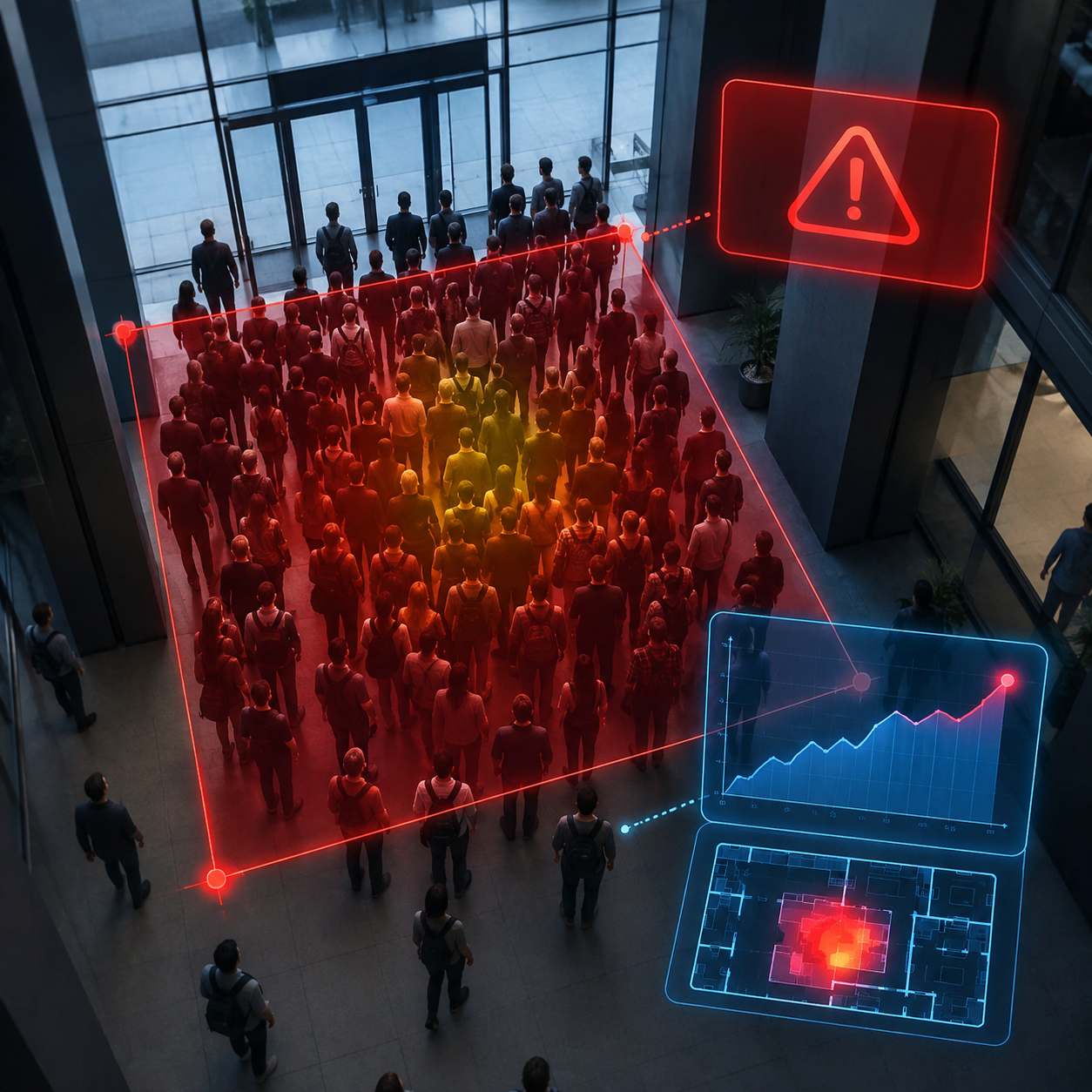
  • Sudden crowd surges or bottlenecks flagged the moment they start forming
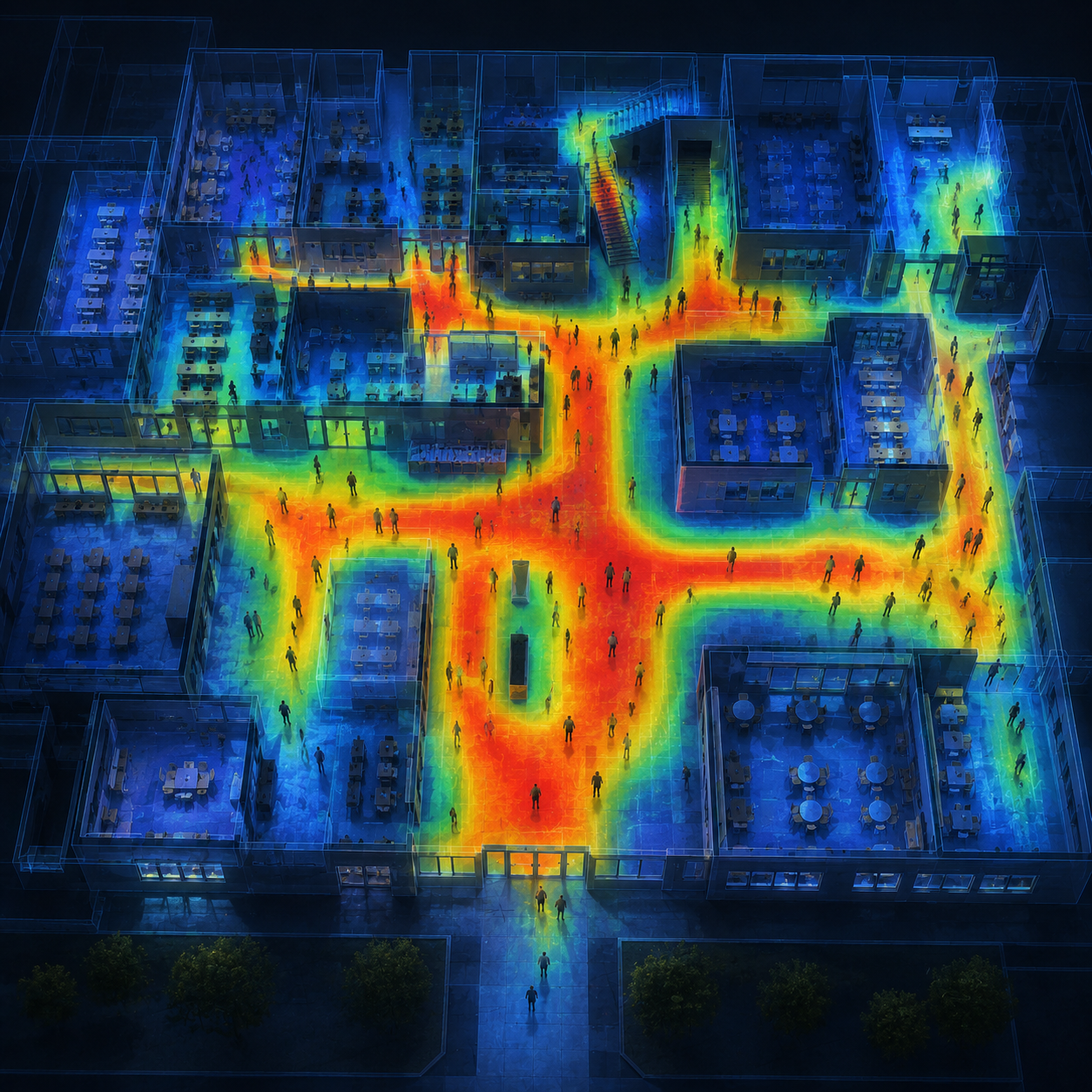
  • Movement heatmaps show admins exactly where congestion happens every single day, so schedules and staffing can actually fix it

What We Build

How Easycomm's campus security software actually works

Three layers, one dashboard, built to run on the cameras your district already owns.

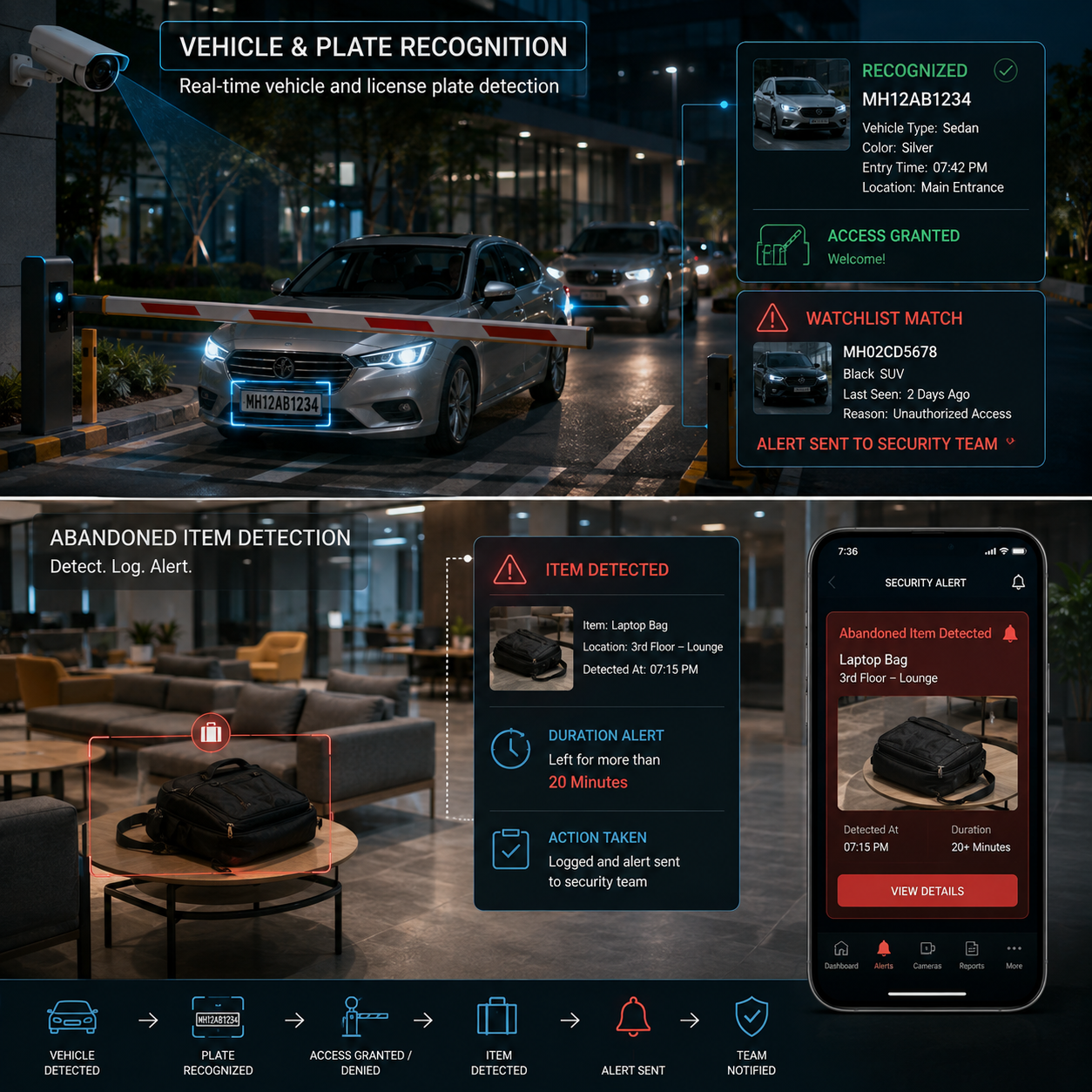
Tailgating and unauthorized entry alerts

Tailgating and unauthorized entry alerts

In lounges, kitchens, elevators, and open floors.

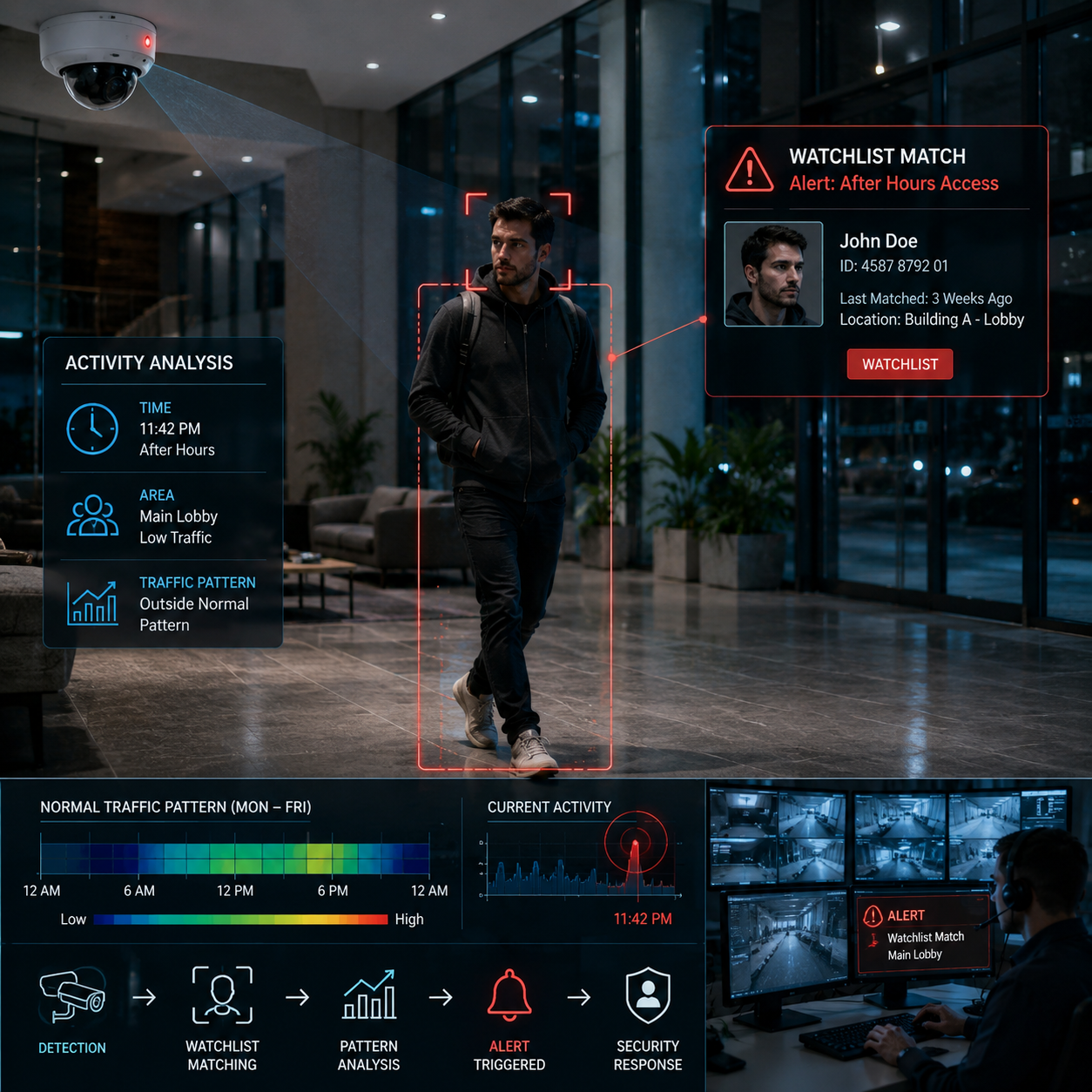
Watchlist matching

Watchlist matching

For common areas after hours or outside normal traffic patterns.

Vehicle and plate recognition

Vehicle and plate recognition

A bag or laptop left too long in a shared zone gets logged and pushed to your team.

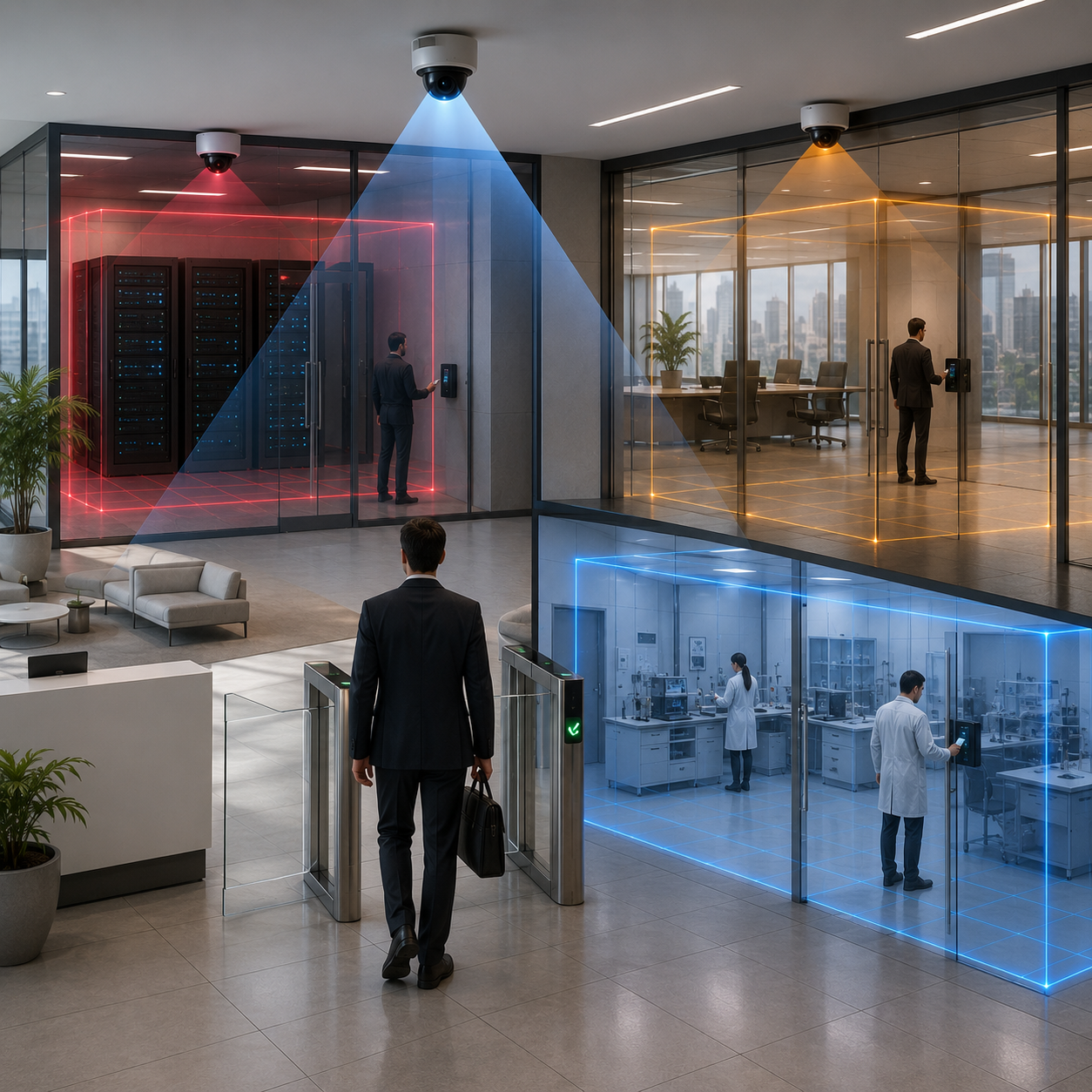
Works alongside your existing badge readers and visitor-management syste

Works alongside your existing badge readers and visitor-management system

It doesn't replace them, it covers what they miss

Weapon-adjacent posture and object detection

Weapon-adjacent posture and object detection

A concealed object being drawn, a bag being handled in a way that doesn't match normal movement.

Aggression and altercation detection

Aggression and altercation detection

Sudden, fast, or forceful movement between two or more people.

Loitering in restricted zones

Loitering in restricted zones

Stairwells, rooftops, fence lines, closed wings after hours.

Live occupancy counts

Live occupancy counts

Per hallway, stairwell, cafeteria, and gym

Density and surge alerts

Density and surge alerts

The second a space crosses a safe threshold.

Daily movement heatmaps

Daily movement heatmaps

So administrators can see exactly where and when congestion happens - and fix bell schedules, staffing, or traffic flow with actual data instead of a hunch

Real Results · Precision Auto Parts

Ridgemont Unified School District

Ridgemont Unified (a 6-campus district, ~9,400 students) came to us after two separate incidents in one semester: an unauthorized visitor who walked in through a propped gym door, and a stairwell crowd crush that sent one student to the nurse's office.

74% faster

average time from incident to staff response (from 19 minutes to under 5 minutes)

41 unauthorized entry attempts

flagged and stopped at propped or side doors - zero were caught manually the semester before

58% reduction

in reported hallway crowding incidents during passing periods, after admins used heatmap data to adjust two bell schedules

Zero

new camera hardware installed across all 6 campuses

We went from finding out what happened in the principal's office to stopping it at the door," Ridgemont's Director of Safety & Security told us. "That's a completely different job than the one we had a year ago.

Frequently Asked Questions
Book a consultation

Ready to Build Something That Actually Ships?

Book a Free Consultation →
Almost certainly, yes. Easycomm runs on any ONVIF-compliant IP camera and supports the major brands most districts already use - Hikvision, Dahua, Axis, Hanwha. Analog cameras on older buildings can be bridged in through encoders. Most schools don't need to buy a single new camera to get a full school security system up and running.
A single campus typically goes live in 5 to 10 business days after the site survey. Multi-campus districts (like Ridgemont's 6 campuses) usually run 2 to 4 weeks end to end, depending on network readiness at each site.
Yes. Easycomm is built around the same privacy-by-design principles districts already navigate with FERPA. You control retention windows, restrict who can access footage, and can configure the system so safety-only footage stays classified separately from disciplinary records - a distinction the U.S. Department of Education spells out clearly for schools handling video. Biometric matching features can be restricted or disabled entirely if your policy requires it.
Yes. Easycomm connects via open APIs and webhooks to most VMS platforms, badge-based access control systems, and visitor-management software districts already run. It layers on top of what you have instead of asking you to rip and replace it.
Yes. One dashboard covers every building, gate, and camera across the whole district - so a district safety director sees everything from a single login, and each campus's admin team sees only their own site.

Give your campus a security system that actually watches

Every day a district runs on cameras alone is another day incidents get discovered instead of stopped. See exactly how Easycomm's school security system fits your campuses, your existing cameras, and your safety team - with a live walkthrough built around your district, not a generic sales deck.

Book a Free Campus Demo Talk to Our Education Team
Scroll to Top