
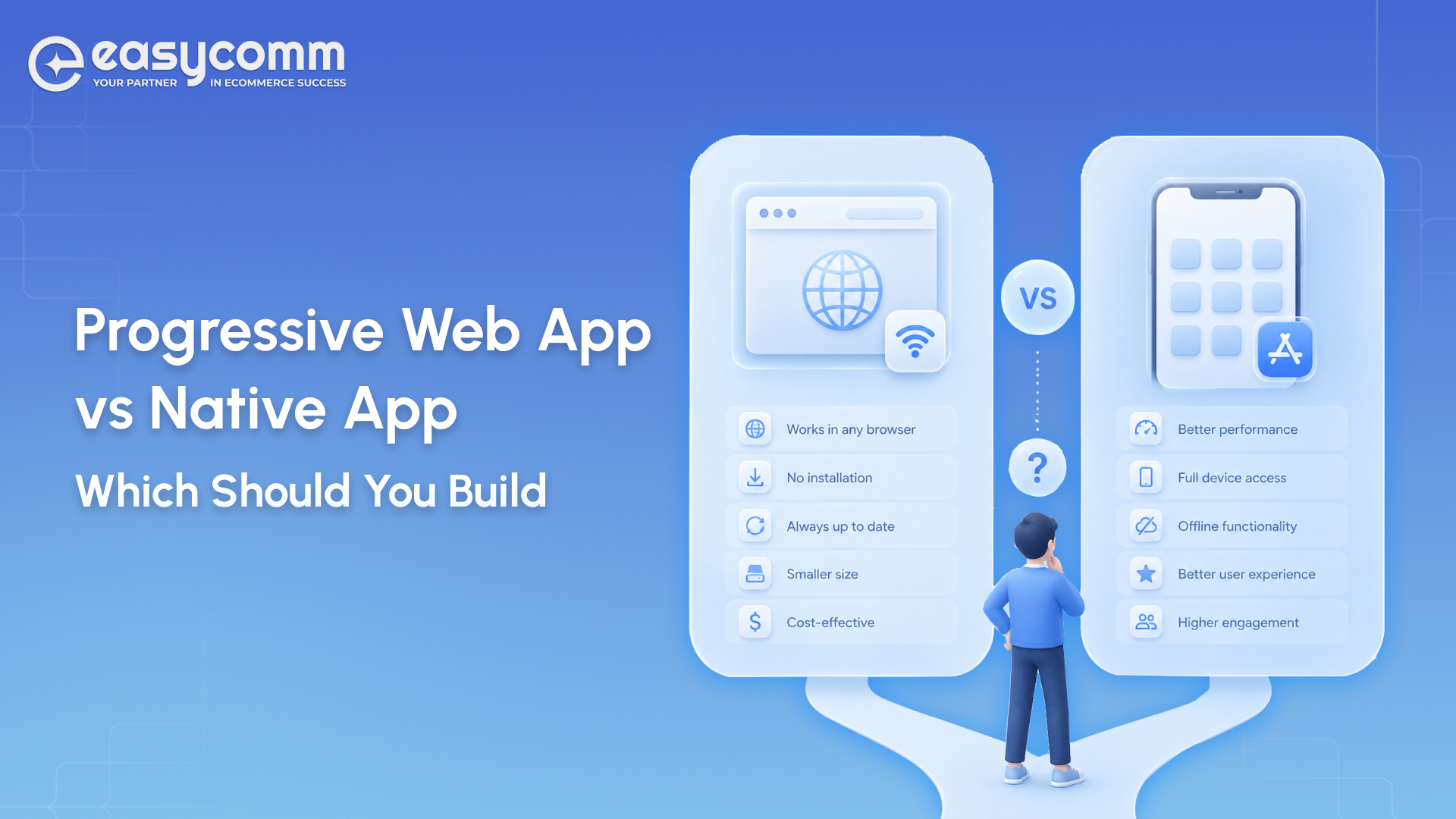
Progressive Web App vs Native App: Which Should You Build?
In a Nutshell:
-
Choose a PWA when you want to launch quickly and keep development costs lower with a single codebase.
-
PWAs are ideal for e-commerce, SaaS, and content-focused products that benefit from SEO and web discoverability.
-
Choose a native app when your product depends on advanced device features such as GPS, camera, Bluetooth, biometrics, or AR/VR.
-
Native apps provide the best experience for high-performance applications, including gaming, real-time tracking, and complex animations.
-
If you’re testing a new idea, start with a PWA for faster validation and consider moving to native later as your product grows.
The debate between a progressive web app vs native app isn’t new – but the stakes in 2026 are higher than ever. Build the wrong thing and you burn budget, miss your launch window, and frustrate users before they’ve even given you a chance.
We’ve helped dozens of founders and product teams make this exact call. Here’s everything you need to decide confidently.
What Is a Progressive Web App (PWA)?
A progressive web app is a website that behaves like a mobile app. It loads in a browser, but it can be installed on a home screen, work offline, and send push notifications – without ever touching an App Store.
Three technologies make a PWA a PWA:
- Service Workers – background scripts that intercept network requests, cache assets, and power offline functionality.
- Web App Manifest – a JSON file that tells the browser how to display the app: name, icon, splash screen, display mode.
- HTTPS – mandatory. Service workers only run on secure origins.
That’s it. If a web app has all three, it qualifies as a PWA.
Real-world examples you already know: Twitter Lite (now X Lite), Starbucks, and Pinterest all run PWAs. Twitter Lite weighs just 600 KB – compared to 23.5 MB for the Android app – and still delivers push notifications to over 10 million users daily. Starbucks’ PWA is 233 KB versus 148 MB for the iOS app. That’s not a typo.
The PWA market was valued at $2.62 billion in 2025 and is projected to hit $21.24 billion by 2033 (Grand View Research, 29.9% CAGR). Progressive web app development is no longer a niche bet – it’s mainstream.
What Is a Native App?
A native app is built specifically for one platform – iOS with Swift/Objective-C, or Android with Kotlin/Java. It runs directly on the device’s operating system, with full access to every hardware feature and system API.
Native apps live in the App Store or Google Play. They’re downloaded, installed, and updated through those stores. Users expect them to be fast, polished, and deeply integrated with their phone.
Examples: Instagram, Uber, Spotify. These products depend on things a browser simply can’t do reliably – real-time GPS tracking, background audio playback, camera filters, biometric authentication. Native is the only right answer for them.
The tradeoff? You’re building two apps. One for iOS. One for Android. Two codebases, two release cycles, two sets of platform-specific bugs.
PWA vs Native App: Full Comparison
Here’s the master comparison before we go deep on each criterion.
| Criterion | PWA | Native App |
| Performance | Strong for most use cases; browser-bound ceiling | Best-in-class; direct OS access |
| Offline Functionality | Good via service worker caching | Robust; full offline data sync |
| Development Cost | Lower – one codebase, ~$35K–$120K | Higher – two builds, typically 30–50% more |
| App Store Distribution | No store required; installable from browser | Required; subject to store review & fees |
| User Experience | Near-native on modern devices | Full platform-native UX patterns |
| Maintenance | Single codebase, push updates instantly | Dual codebase, store review for each update |
Now let’s go deeper.
Performance
For most business apps, the performance gap between a PWA and a native app is smaller than you’d think. Well-optimized PWAs regularly hit 45–55 fps on modern devices, while native apps can sustain a consistent 60 fps even under load.
Where native still wins decisively: graphics-heavy apps, AR/VR, real-time gaming, and complex animations. If your product lives in that territory, a PWA will feel sluggish by comparison.
For everything else – dashboards, e-commerce, booking flows, content feeds – a PWA is fast enough that users won’t notice the difference. Twitter Lite cut average load times by 30% and reduced 99th-percentile latency by 50% after switching to a PWA. Performance isn’t always about raw power; it’s about perceived speed.
Offline Functionality
PWAs handle offline through service workers. When a user visits your app, the service worker caches key assets and data. If the connection drops, the app keeps working – at least for the features you’ve cached.
The limitation: complex data sync is harder. If your app needs to write data offline and sync it later (think field service tools, logistics apps, medical records), native apps handle that more robustly with platform-level background sync APIs.
For read-heavy or light-interaction apps – news readers, product catalogs, ordering flows – PWA offline is more than good enough. Starbucks built their entire ordering flow as a PWA so customers could browse the menu and add items to their cart even with spotty café Wi-Fi.
Development Cost
This is where the native vs progressive web app decision often gets made. A custom PWA typically runs $35,000–$120,000 depending on complexity. A comparable native iOS + Android build costs 30–50% more – because you’re building and maintaining two separate codebases.
That gap compounds over time. Every new feature needs to be built twice. Every bug fix needs to be deployed twice. Every App Store update takes days to review.
If you want a detailed breakdown of what drives those numbers, check out our guide on how to build a mobile app – it covers team composition, timelines, and cost drivers from MVP to enterprise scale.
App Store Distribution
No App Store means no 15–30% commission, no review delays, no risk of rejection. A PWA is live the moment you push to production. Users install it directly from the browser with a single “Add to Home Screen” prompt.
The downside is discoverability. The App Store and Google Play are massive discovery engines. If your target users habitually browse stores for new apps, a PWA won’t show up there by default (though you can wrap a PWA in a lightweight shell to list it on Google Play).
For B2B tools, SaaS products, and anything where users arrive via search or direct link, the store is irrelevant. For consumer apps targeting cold discovery, native has a real edge.
User Experience
Modern PWAs on Android are genuinely impressive. Push notifications, home-screen icons, full-screen mode, splash screens – it all works. The gap has closed dramatically since 2020.
iOS is still the weak link. Apple has historically been slow to support PWA features, and as of 2026 some capabilities – particularly persistent push notifications and background sync – remain inconsistent on Safari. If your audience skews heavily iPhone, that’s a real consideration.
Native apps still deliver the gold standard: platform-native UI patterns, haptic feedback, smooth transitions, and deep system integration. For premium consumer products, that polish matters.
Maintenance
A PWA is one codebase. Push an update and every user gets it instantly – no waiting for store approval, no fragmented version base.
Native apps require coordinated releases across two platforms. You’ll manage separate CI/CD pipelines, separate review timelines, and a user base that updates at different rates. That’s not a dealbreaker, but it’s real overhead.
For lean teams and fast-moving products, the pwa vs native maintenance equation heavily favors PWA. For mature products with dedicated mobile engineers, native’s overhead is manageable.
Progressive Web App Benefits
Here’s a structured look at the core progressive web app benefits and who actually gains from each one.
| Benefit | Detail | Who Benefits Most |
| Lower development cost | One codebase vs two; 30–50% cheaper to build and maintain | Startups, bootstrapped founders, MVP builders |
| Instant updates | No App Store review; push changes live immediately | SaaS products, fast-iteration teams |
| SEO discoverability | Fully indexable by Google; drives organic traffic | E-commerce, content, lead-gen businesses |
| Offline access | Service workers cache assets for low-connectivity use | Markets with unreliable networks; field tools |
| No install friction | Users access via URL; no download required | High-funnel acquisition, B2B tools |
| Cross-platform reach | Works on iOS, Android, and desktop from one build | Teams targeting multiple device types |
| Smaller footprint | Starbucks PWA: 233 KB vs 148 MB iOS app | Data-sensitive markets, emerging economies |
| Push notifications | Re-engage users without an app install | Retail, media, SaaS with recurring workflows |
The business case for pwa apps vs native apps is strongest when speed-to-market and cost efficiency are the top priorities.
When a PWA Makes More Sense
Choose a progressive web app when:
- You’re validating an idea. A PWA lets you ship a testable product in weeks, not months. Get real user data before committing to a full native build.
- SEO is a growth channel. PWAs are crawlable. Native apps are not. If organic search drives your acquisition, a PWA compounds that advantage.
- Your audience is global or price-sensitive. A 233 KB app that works on 2G is more inclusive than a 148 MB download that requires strong Wi-Fi.
- You’re building a B2B tool or internal dashboard. Your users will access it via a link, not browse the App Store. The store is irrelevant.
- Budget is a real constraint. A well-built PWA delivers 80% of the native experience at 50–60% of the cost.
PWA vs web app is also worth clarifying here: a standard web app has no offline support, no installability, and no push notifications. A PWA has all three. They’re not the same thing.
When a Native App Is the Better Choice
Some products genuinely need native. Don’t fight the platform when:
- You need deep hardware access. Bluetooth LE, NFC, advanced camera APIs, ARKit/ARCore – these are native territory. A browser can’t reliably replicate them.
- You’re building a consumer product where polish is the product. Spotify, Instagram, and Uber aren’t just functional – they’re experiences. That level of platform-native UX still requires native code.
- App Store presence is a distribution strategy. If you’re targeting users who discover apps by browsing the store, you need to be there.
- Your app needs robust offline data sync. Complex write-offline-sync-later workflows are far more reliable in native.
- Performance is non-negotiable. Real-time gaming, AR, video editing, heavy computation – go native.
If you’re leaning toward native and want to understand the full build process, our how to build a mobile app guide walks through every phase from discovery to launch.
Real-World Examples
Twitter Lite – Chose PWA (and won)
Twitter faced a real problem: users in emerging markets couldn’t use the native app on low-end devices with limited data plans. Their solution was Twitter Lite, a PWA.
The results were striking. Tweets sent went up 75%. Pages per session jumped 75%. Bounce rate dropped 20%. Data usage fell 70% through image optimization. The PWA weighs 600 KB – less than 3% of the native Android app’s storage footprint. It became the default mobile web experience globally in April 2017.
Spotify – Chose Native (and had to)
Spotify’s core product is background audio playback. You lock your screen, the music keeps playing. You’re offline on the subway, your downloaded playlist still works. You get precise audio controls in your lock screen and car dashboard.
None of that is reliably achievable in a browser. Spotify’s product is the native platform integration. There was no serious PWA path here – and they’ve built one of the most-used apps on the planet as a result.
Starbucks – Runs Both
Starbucks is the textbook dual-strategy example. They maintain a full-featured native app for their loyalty program and payment system. But they also built a PWA for ordering – 233 KB vs 148 MB – that works in low-connectivity environments and doubled their daily active users after launch.
The lesson: PWA and native aren’t always an either/or. For Starbucks, the PWA extended reach without replacing the native experience. That’s a legitimate strategy for products with both a core power-user base and a broader casual audience.
What Easycomm Recommends
Here’s our honest take after building both.
For most early-stage products: start with a PWA. The cost savings are real, the speed-to-market advantage is real, and the performance gap for typical business apps is smaller than the marketing around native apps suggests. Validate your product, grow your user base, then invest in native if the data justifies it.
For consumer products with hardware dependencies or premium UX requirements: go native from day one. Retrofitting native capabilities into a PWA later is painful. If your product roadmap clearly requires it, build it right the first time.
For established businesses with proven demand: consider both. Like Starbucks, you can use a PWA to extend reach and reduce friction for casual users while keeping a native app for your power users.
How this maps to our packages:
- Sprint – ideal for launching a PWA MVP fast. Fixed hours, defined scope, live in weeks.
- Scale – for growing products adding features, performance optimization, or expanding to native.
- Enterprise – for organizations running complex multi-platform strategies or needing dedicated team capacity.
Whatever you’re building, our mobile app development services are structured to match your stage, not lock you into a scope that doesn’t fit.
Frequently Asked Questions
A progressive web app (PWA) is a web application built with standard web technologies – HTML, CSS, JavaScript – that uses service workers, a web app manifest, and HTTPS to deliver an app-like experience. It can be installed on a home screen, work offline, and send push notifications, all without going through an App Store.
Yes, typically by 30–50%. A custom PWA runs roughly $35,000–$120,000 depending on complexity. An equivalent native iOS + Android build costs more because you’re maintaining two separate codebases, two release cycles, and two sets of platform-specific engineering. The maintenance cost gap compounds over time.
For many products, yes. If your app is content-driven, e-commerce, SaaS, or B2B, a well-built PWA covers 80–90% of what a native app delivers at a fraction of the cost. Where PWAs still fall short: deep hardware access (Bluetooth, NFC, advanced camera), background audio, and complex offline data sync. For those use cases, native remains the right call.
Yes. Service workers cache assets and data so the app keeps working when the connection drops. The depth of offline functionality depends on what you cache – a read-heavy app like a product catalog can be fully functional offline, while a data-heavy app requiring real-time sync will have more limitations. Twitter Lite and Starbucks both use offline caching as a core feature.
PWA, clearly. A PWA is a website – it has URLs, it’s crawlable by Google, and it benefits from all standard SEO practices. Native apps live inside App Stores and are not indexed by search engines in the same way. If organic search is a meaningful acquisition channel for your business, a PWA compounds that advantage directly.